A Better Link-in-Bio Page For Artists Taking Commissions
Artists need more than a pile of links. Visitors want to know if commissions are open, where to see examples, how to order, what terms apply, and what to expect next.
Artists need more than a pile of links. Visitors want to know if commissions are open, where to see examples, how to order, what terms apply, and what to expect next.
Use commission blocks and quick dashboard status updates so visitors know whether you are open, limited, ask first, or closed. Paw.Page can also show open slots, starting price, average completion time, experience, examples, contact links, full portfolio links, and commission terms.
Put examples, prices, terms, public commission queues, forms, galleries, and contact links in a logical order so potential clients do not have to hunt through multiple sites before deciding to enquire.
Artists can choose to appear in the Commission Directory, where visitors can filter by tags, status, experience, average completion time, starting price, and supporter badges.
Use Ko-fi, Patreon, and other external support or shop links so fans can support your work, subscribe, tip, or find your store from the same profile.
Quick dashboard controls make it easier to update commission status and public queue information when availability changes.
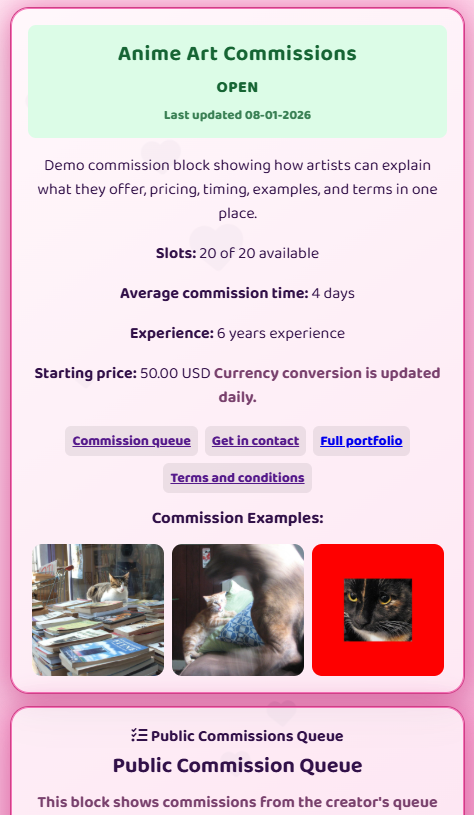
Yes. Commission blocks can show open, limited, ask first, or closed status, and you can update status quickly from your dashboard.
Yes. Commission blocks can link to a dedicated terms and conditions page for that commission block.
Yes, when the directory feature is enabled and you choose to appear in it, your commission information can appear in the public Commission Directory.
Yes. Paw.Page supports external support and shop links, including Ko-fi, Patreon, and other monetization links.
Start free, import your existing links, and build a creator profile that helps visitors understand what you offer and where to go next.
Start building